
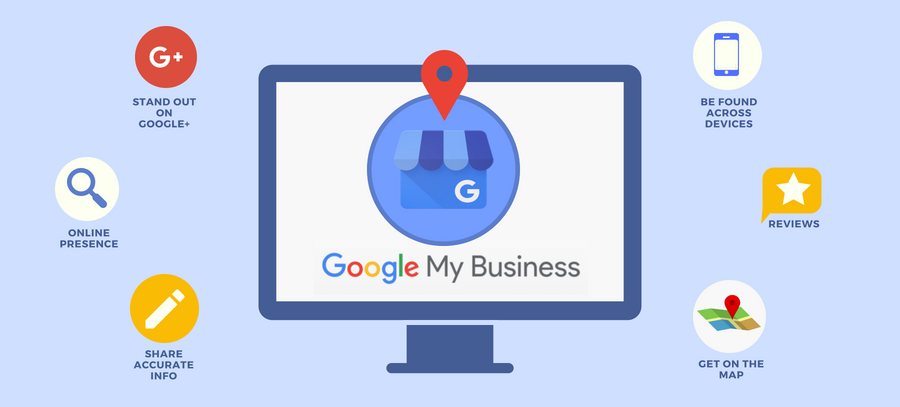
Get Your Business Noticed: A Step-by-Step Guide to Setting Up Google My Business
Having a strong online presence is crucial for the success of any business. One of the most effective ways to establish your presence and get noticed by potential customers is by setting up a Google My Business (GMB) profile. GMB allows you to manage how your business appears on Google Search and Maps, making it easier for local customers to find and engage with your business. In this article, we will guide you through the process of setting up your Google My Business (GMB) profile, ensuring that you make the most of this powerful tool.
Create a Google Account
Before you can set up your GMB profile, you need to have a Google Account. If you don't have one already, head to accounts.google.com and click on the "Create account" button. Fill in the required information, including your name, email address, and password. Once you've successfully created your account, you're ready to move on to the next step.Visit Google My Business
To get started with setting up your GMB profile, visit the Google My Business website at google.com/business. Click on the "Manage now" button to proceed. Sign in using your Google Account credentials.Enter Your Business Information
On the Google My Business dashboard, you'll see a search field. Type in the name of your business and select it from the suggestions that appear. If your business doesn't appear, click on the option "Add your business to Google" and follow the prompts to enter your business information, including the name, address, phone number, and website.Verify Your Business
After entering your business information, you will need to verify your business to ensure the accuracy and legitimacy of the listing. Google offers several verification methods, such as postcard verification, phone verification, email verification, and instant verification for eligible businesses. Choose the method that suits you best and follow the instructions provided. Verification by mail can take a few days, so be patient during this process.Optimise Your Profile
Once your business is verified, it's time to optimise your GMB profile. Add high-quality images that showcase your products, services, and location. Write a compelling business description using relevant keywords to improve your visibility in search results. Ensure that your contact information, including phone number, address, and website, is accurate and up to date. Take advantage of additional features offered by GMB, such as posts, reviews, and Q&A, to engage with your audience and build trust.Monitor and Update Regularly
Setting up your GMB profile is not a one-time task. To get the most out of this platform, you should regularly monitor and update your profile. Respond to customer reviews promptly, addressing any concerns or questions they may have. Use the insights provided by GMB to gain valuable data on how customers are finding and interacting with your business. Keep your profile up to date with any changes to your business hours, special offers, or services.
Google My Business is an essential tool for businesses looking to enhance their online presence. By following the steps outlined in this guide, you can ensure that your business stands out on Google Search and Maps, attracting more customers and boosting your success in the digital landscape.